Deploy apps
Follow, cancel or retry an app deployment
After starting an installation or uninstall, open Manage → App deployment → Deployments and select the deployment. You need the Tenant Admin role.
Check each machine
Section titled “Check each machine”Read the machine’s state and the result in the third column. While work is running, the drawer refreshes every five seconds. A multi-step deployment also shows which step the machine has reached.
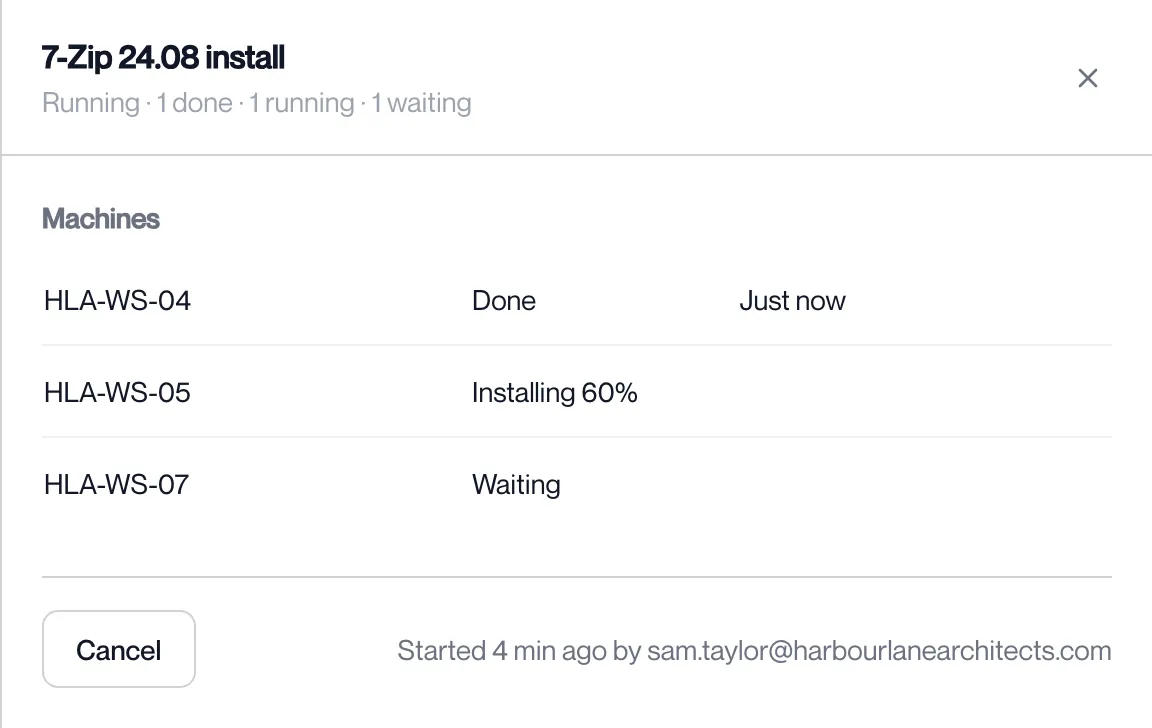
| Machine state | What it means |
|---|---|
| Waiting | The machine has not started the work. |
| Downloading, Checking or Installing | Work is in progress; a percentage is shown where reported. |
| Waiting for restart | The installer finished and reported a restart pending. |
| Done | The work completed. |
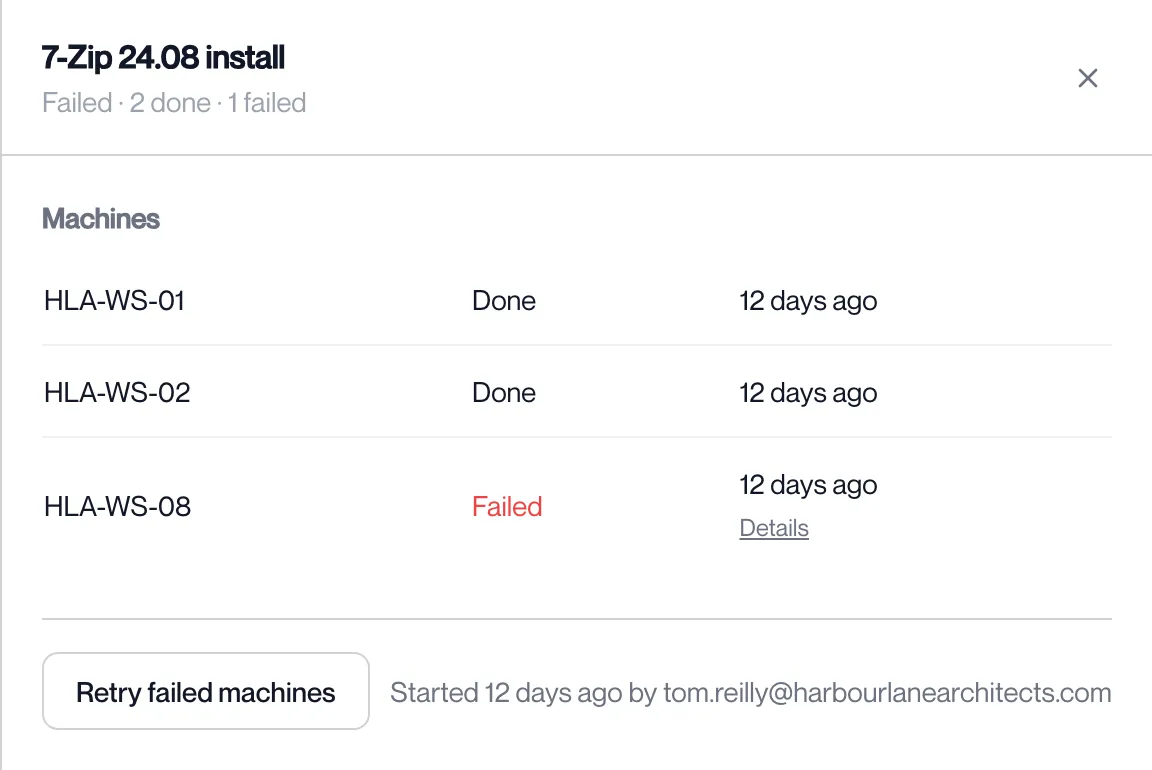
| Failed | Read the result or open Details for the reported failure. |
| Cancelled | The work was cancelled. |
The deployment heading summarises its targets. A deployment can finish with some machines Done and others Failed; check the individual results.
Retry failed machines
Section titled “Retry failed machines”Read each failure and address the cause it reports before retrying. Select Retry failed machines. The portal shows Retrying failed machines and retries those targets; successful machines keep their result.
Cancel work that has not started
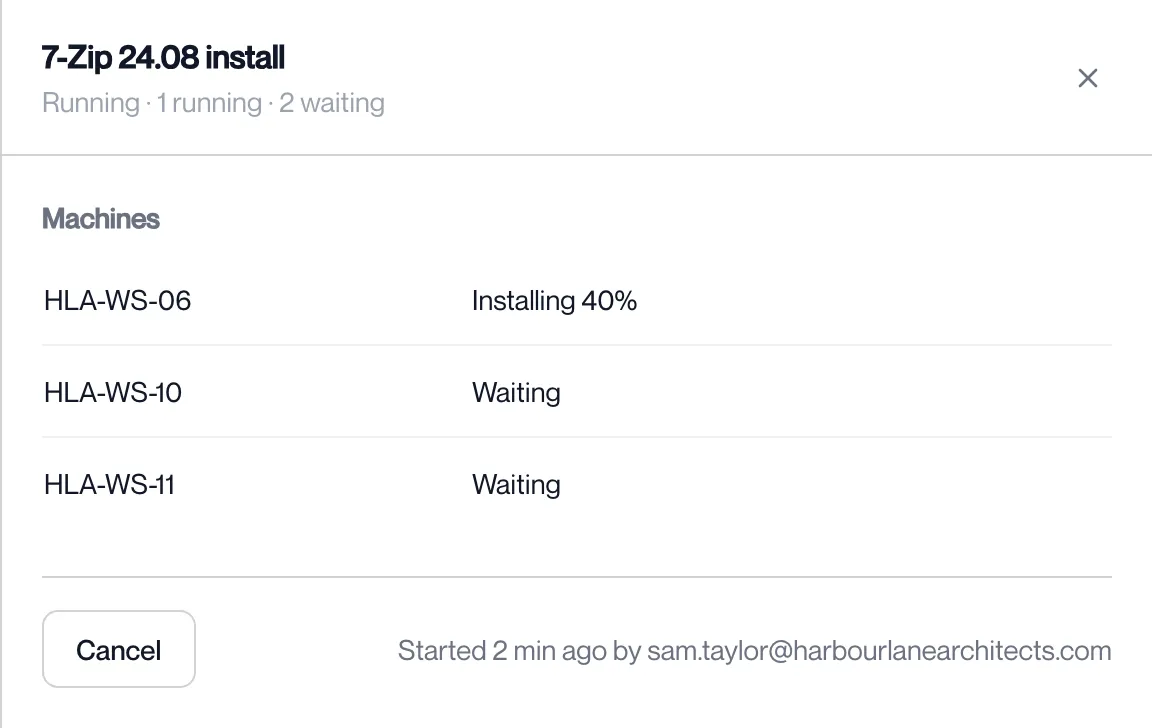
Section titled “Cancel work that has not started”While a deployment is Waiting or Running, select Cancel below its machine list and confirm. Machines that have not started are not sent the work. Cancelling does not uninstall apps that have already finished installing.
Check what a workstation has reported
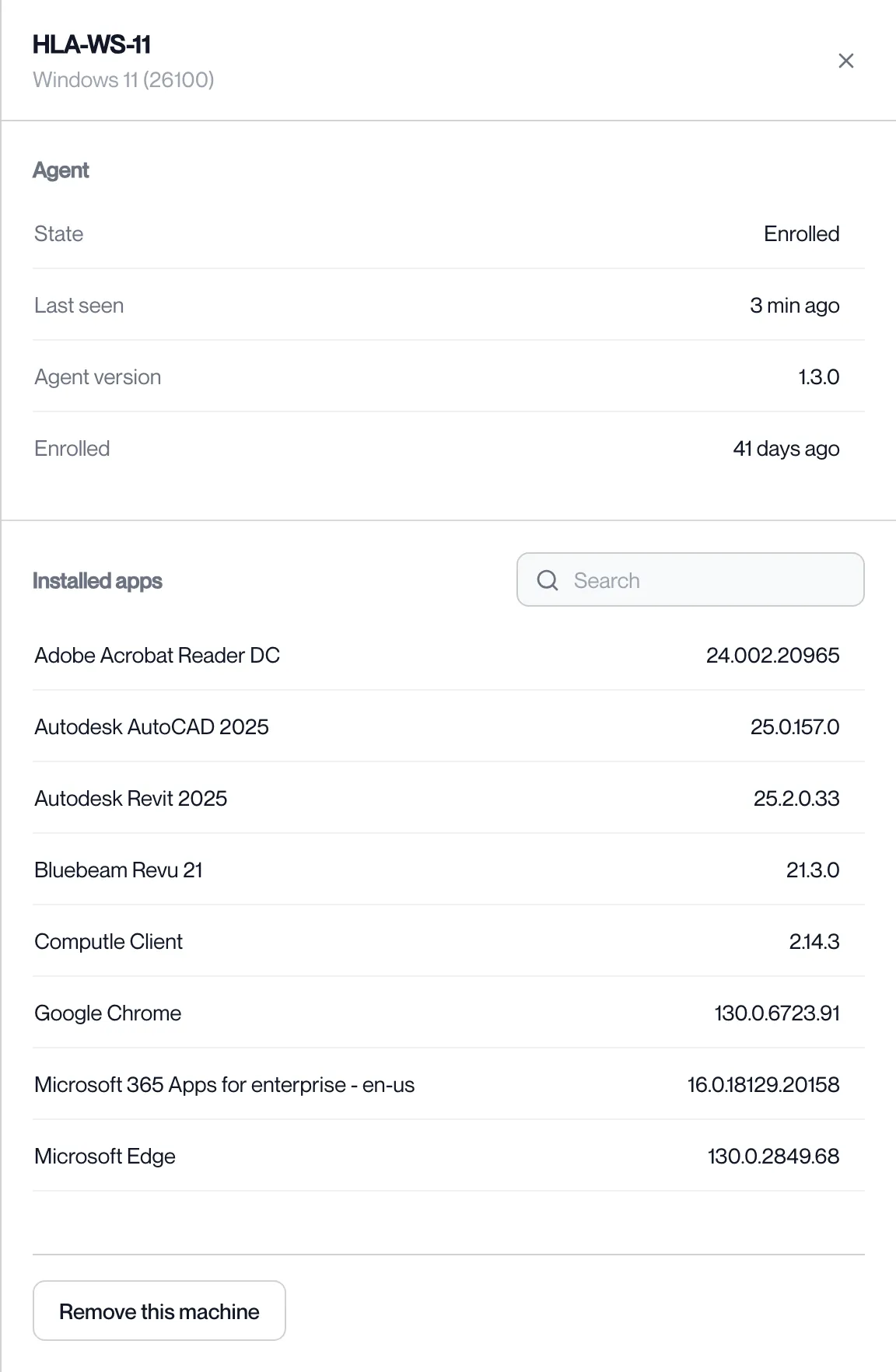
Section titled “Check what a workstation has reported”Open the Machines tab and select the workstation. Agent shows its state, version and last report. Installed apps lists the software it last reported; use its search box to find an app.
To remove software, return to its app, select the machines in Deploy and use Uninstall where a removal rule is available. Deleting an app entry or removing a machine from this service does not uninstall software.