Security
How it works
Threat detection collects selected Windows events from workstation security agents and checks them against rules.
Open How it works in the Security menu to read the explanation in the portal.
What is collected
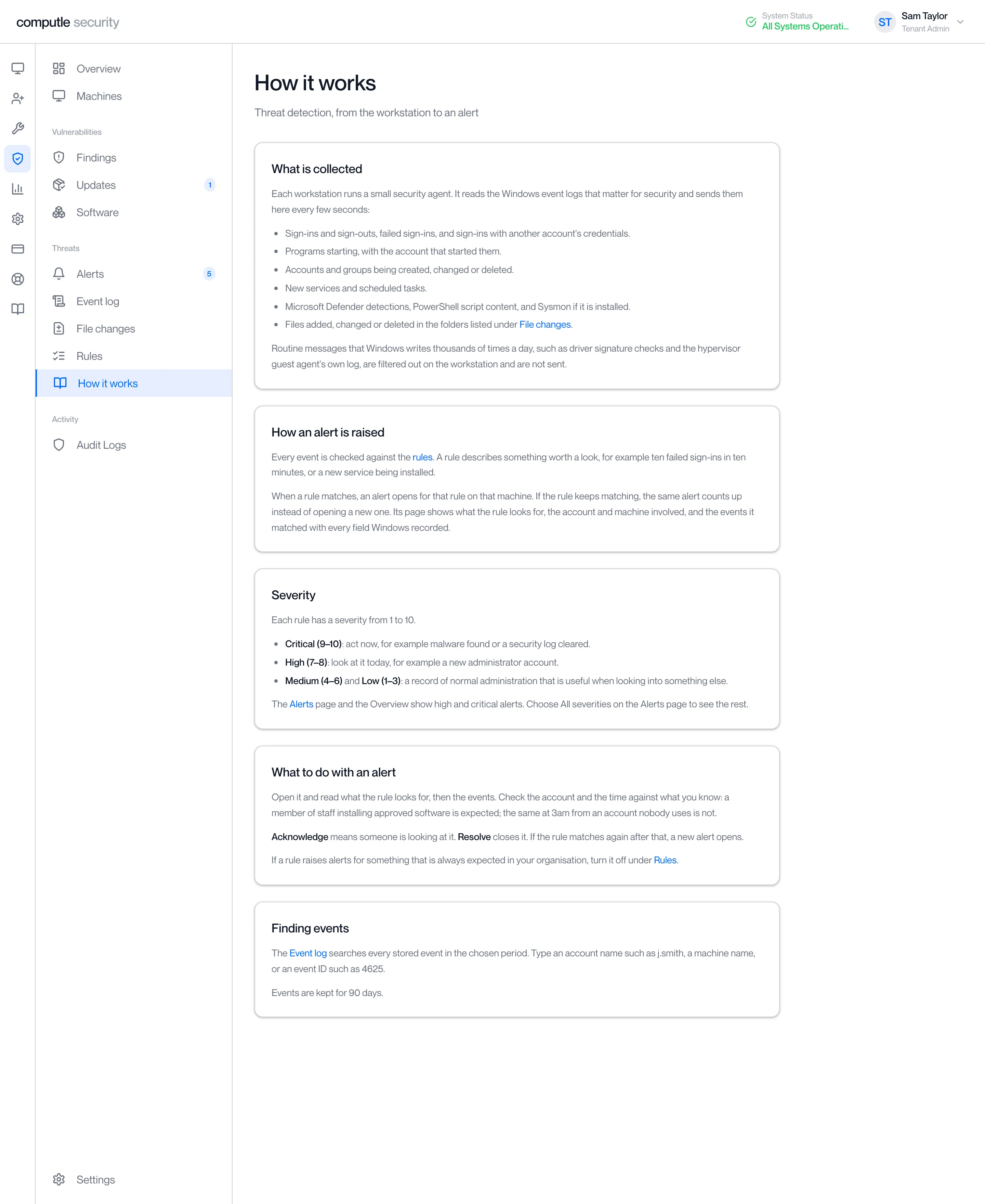
Section titled “What is collected”Collection includes sign-ins, program starts, account and group changes, services and scheduled tasks, and supported Defender, PowerShell and Sysmon events. File monitoring records changes under the watched folders. The events available depend on the machine’s logging configuration and the channels selected in Settings.
From an event to an alert
Section titled “From an event to an alert”A rule describes activity to inspect. When an event matches, an alert opens for that rule and machine. Further matches increase the active alert’s count and update its last-seen time.
The alert page shows what the rule looks for, the machine and account information available, and the matching events.
Severity
Section titled “Severity”| Band | Threat-rule score |
|---|---|
| Critical | 9–10 |
| High | 7–8 |
| Medium | 4–6 |
| Low | 1–3 |
The overview and default Alerts view show High and Critical alerts. Select All severities on Alerts to see the other bands.
Handling an alert
Section titled “Handling an alert”Acknowledge records that someone is investigating. Resolve closes the alert. If the rule matches again after resolution, a new alert opens. For approved recurring activity, record expected behaviour with a scope, reason and expiry where the rule allows it.