In-Session Messages
In-Session Messages: Organisation Settings and USB
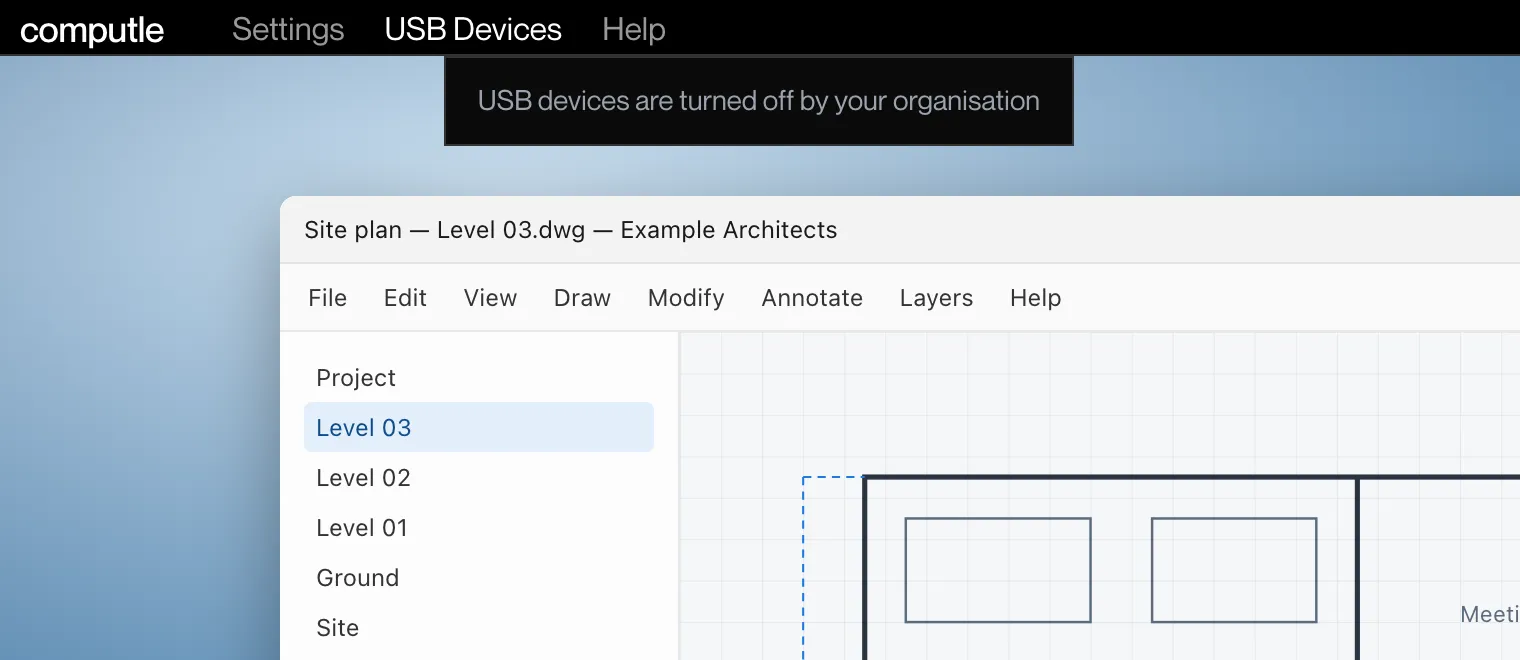
USB devices are turned off by your organisation
Section titled “USB devices are turned off by your organisation”What you see
In the USB Devices menu at the top of the session: “USB devices are turned off by your organisation”, with no devices listed under it.
What it means
Your administrator has turned off USB sharing for your organisation or for your account. See Device Features.
What to do
Contact your administrator if you need USB devices in your sessions.
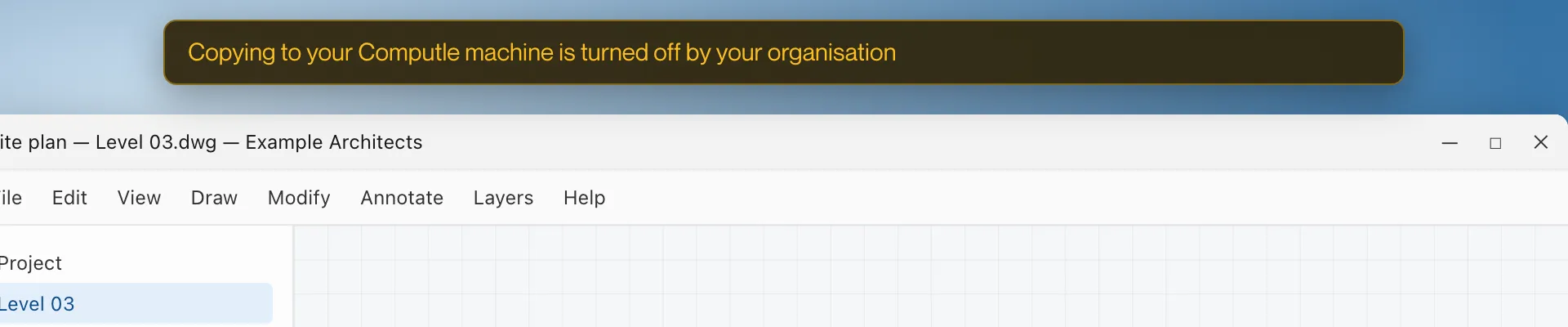
Copying to your Computle machine is turned off by your organisation
Section titled “Copying to your Computle machine is turned off by your organisation”What you see
Windows: a banner at the top of the picture reading “Copying to your Computle machine is turned off by your organisation” when you paste.
What it means
Your administrator has turned off copy and paste in that direction. See Device Features.
What to do
Contact your administrator if you need copy and paste.
Other USB messages
Section titled “Other USB messages”These appear in the USB Devices menu (Windows) or the USB menu (Mac).
| Message | Platform | What it means |
|---|---|---|
| “No USB devices to share” | Windows | Nothing is plugged into this computer that can be shared. |
| “[Device] — stops working here while shared” | Windows | A keyboard, mouse or similar device is unavailable on this computer while it is shared. |
| “[Device] will be disconnected from this computer while it is in use on the remote machine.” | Windows | Confirmation before sharing a device this computer is using. |
| “Available while connected to a machine” | Windows, Mac | USB sharing works only during a session. |
| “Available from the next connection” | Windows, Mac | The workstation needs a new connection before USB sharing is offered. |
| “USB redirection is not enabled on this machine” | Windows, Mac | USB sharing is turned off on the workstation. See Host Settings. |
| “The selected devices are held by macOS and cannot be redirected” | Mac | macOS is using the device. Choose Allow USB Access for Devices in Use by macOS… in the USB menu and approve it in System Settings. See Mac Permissions. |
| “The selected devices cannot be redirected” | Mac | The device refused to be shared. |
| “USB devices on this Mac are in use by another Computle session” | Mac | Another session on this Mac is sharing them. |
| “The Computle USB service is not installed on this computer”, “The Computle USB service is not running”, “The Computle USB service could not be reached” | Windows | The USB service on this computer is not available. Reinstall Computle (Remotle) with USB support. See Download and Install. |
| “The Computle USB service stopped” | Mac | The USB service on this Mac stopped. Restart Computle (Remotle). |
| “USB redirection stopped (code N)” | Mac | USB sharing stopped. Report it from the session menu and quote the code. |
See USB Devices for how sharing works.