Users & Sign-in
Users & Sign-in
Start with the change you need to make. Most of these jobs need a Tenant Admin; Microsoft directory setup also needs the Microsoft permissions described in its guide.
Give someone access
Section titled “Give someone access”Invite the person, then assign a workstation. If your organisation already manages people in Microsoft Entra groups, set up Directory Sync so the portal follows that directory.
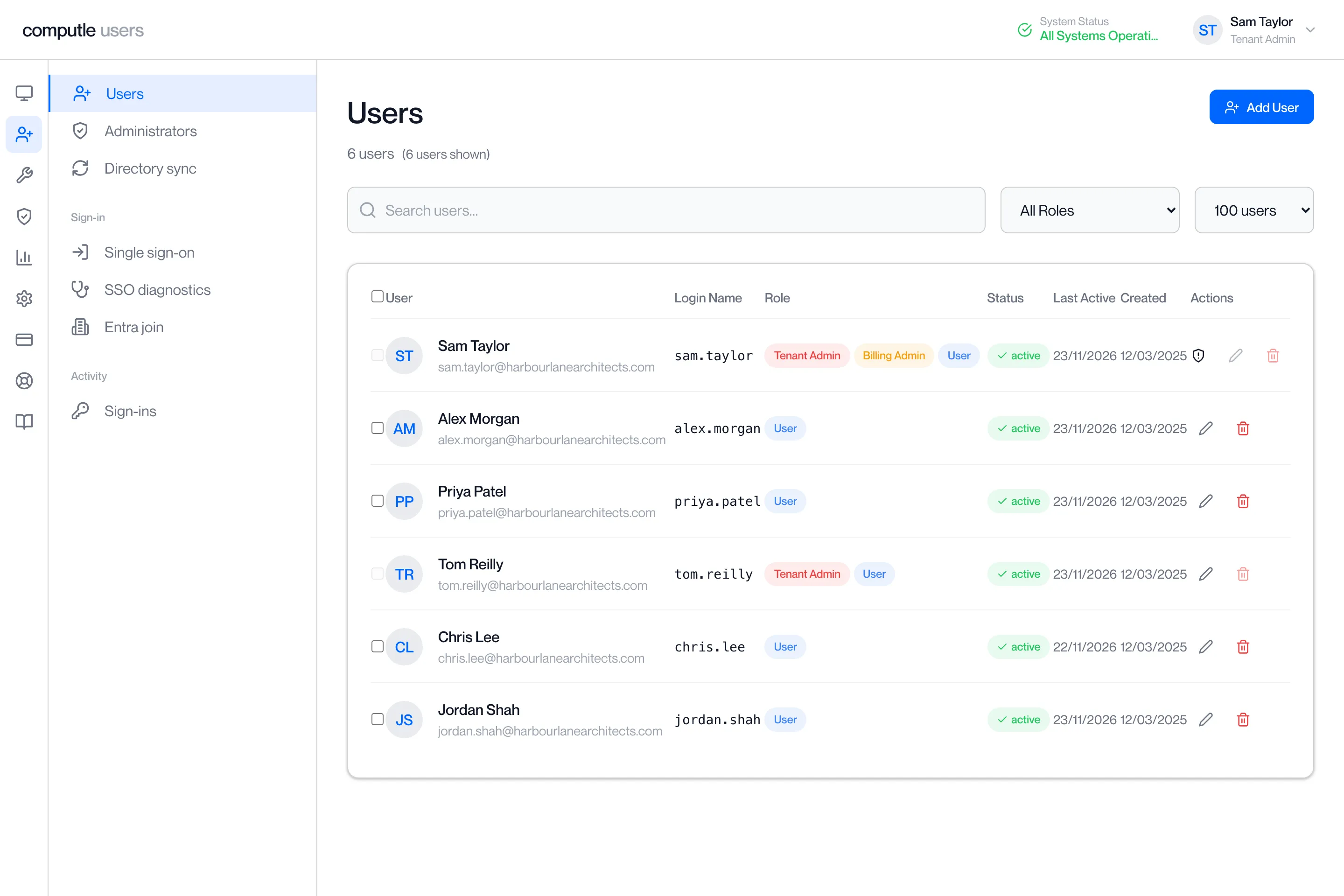
Next, assign a workstation. To control USB, clipboard and disconnect behaviour, open App Settings.
Set up Windows sign-in
Section titled “Set up Windows sign-in”Check how your workstations are joined to your directory first. The Single Sign-On guide then takes you through connecting Microsoft Entra and checking workstation readiness.
For the Microsoft consent screens and permissions, see Connect Microsoft 365. To choose the portal sign-in methods your organisation allows, see Sign-in methods.
Investigate a sign-in or protect your own account
Section titled “Investigate a sign-in or protect your own account”Use Sign-ins to find recorded attempts and failures. If Windows takes too long to open the desktop, use Sign-in duration.
Open Your account to manage your own authenticator and backup codes.