App Settings
Client view
Tenant Admins can choose the desktop-client layout for everyone in the organisation.
-
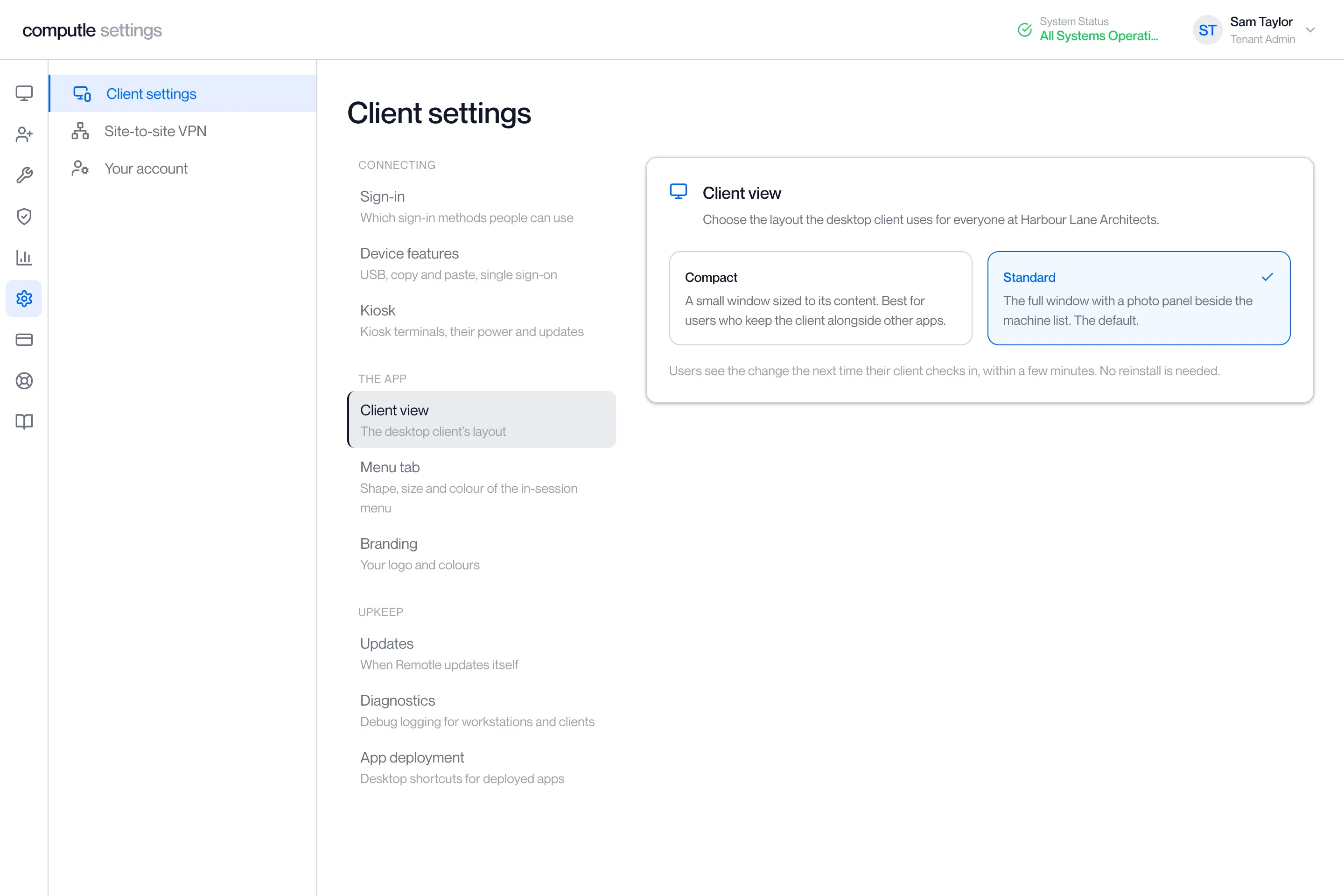
Open Settings in the portal rail, then Client settings.
Under The app, select Client view.
-
Select Compact or Standard.
Compact uses a small window sized to its content. Standard uses the full window with a photo panel beside the machine list and is the default.
The choice saves immediately. Users receive it when the client next checks in, within a few minutes. No reinstall is needed.