App Settings
App deployment shortcuts
This setting is available when App deployment is enabled for your organisation.
-
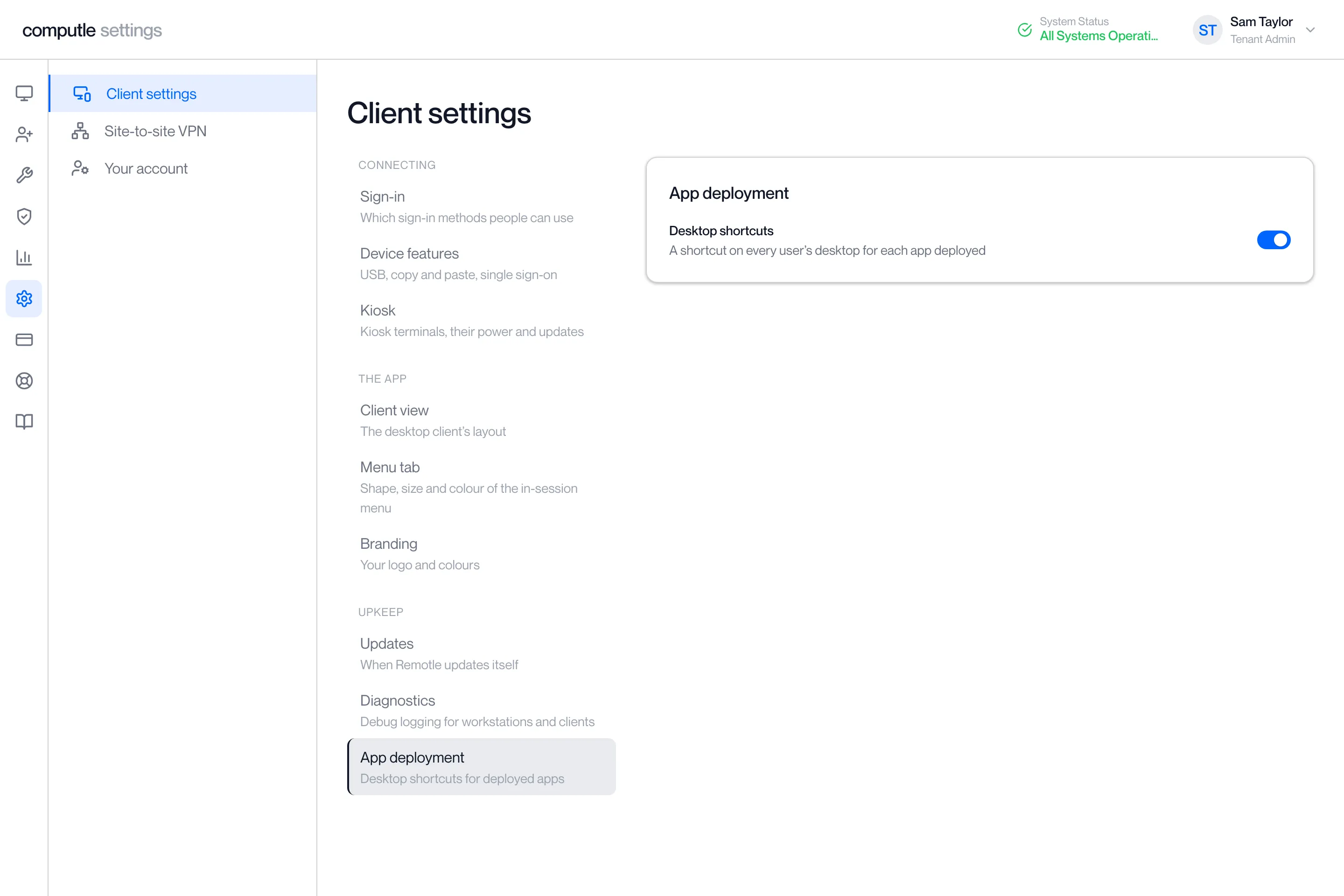
Open Settings in the portal rail, then Client settings.
Under Upkeep, select App deployment.
-
Set Desktop shortcuts.
When on, each app deployed receives a shortcut on every user’s desktop. The setting saves when you change the switch.
See App deployment to choose apps and deploy them to workstations.