Security
Security settings
Open Settings in the Security menu. The tabs depend on your enabled modules.
Event collection
Section titled “Event collection”-
Select Event collection.
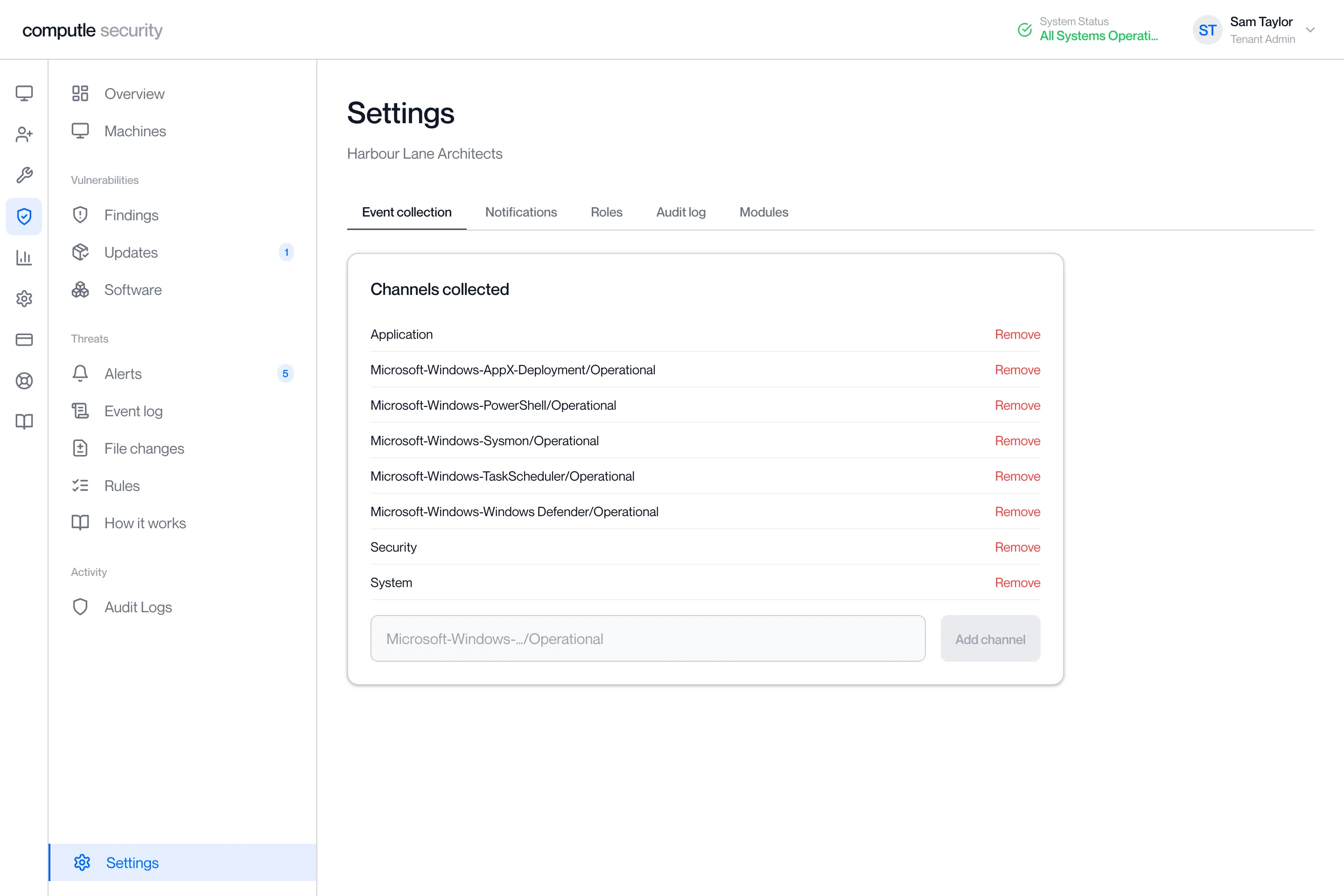
Channels collected lists the Windows event channels requested from the agents.
-
Enter the full Windows channel name and select Add.
Use the channel name shown by Windows, including its Operational suffix where applicable. Select Remove beside a channel to remove it from collection.
To inspect a machine’s reported logging gaps, open Machines and select Agents.
Notifications and roles
Section titled “Notifications and roles”Use Notifications to choose alert recipients, severity and delivery limits. Use Roles to group people for expected-behaviour exceptions.
Audit log
Section titled “Audit log”Select Audit log to see the time, person, action and subject recorded for security changes.
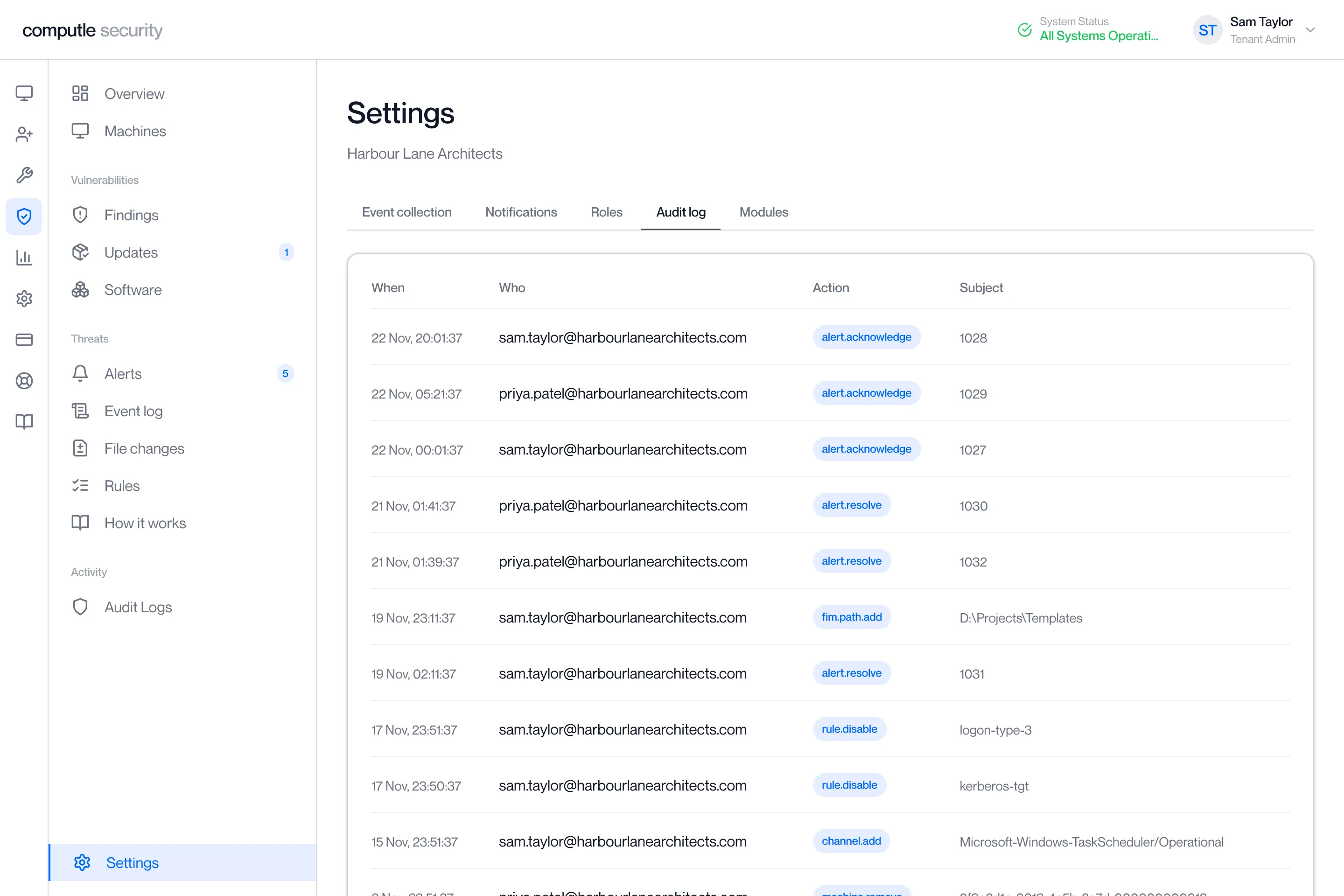
Portal-wide activity is documented under Audit Logs.
Modules
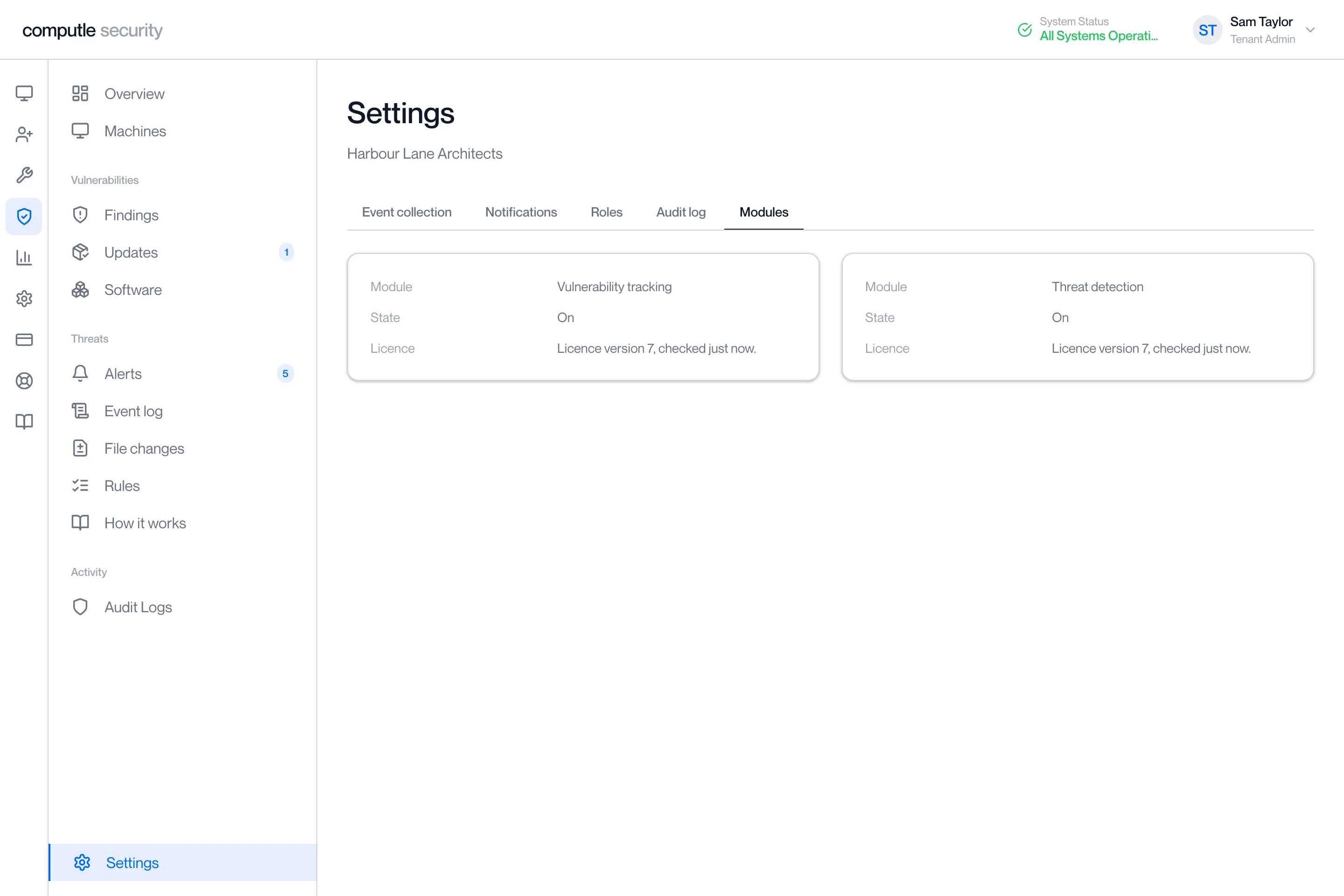
Section titled “Modules”Select Modules to see the enabled state and licence information reported by each available Security service.