Security
Software
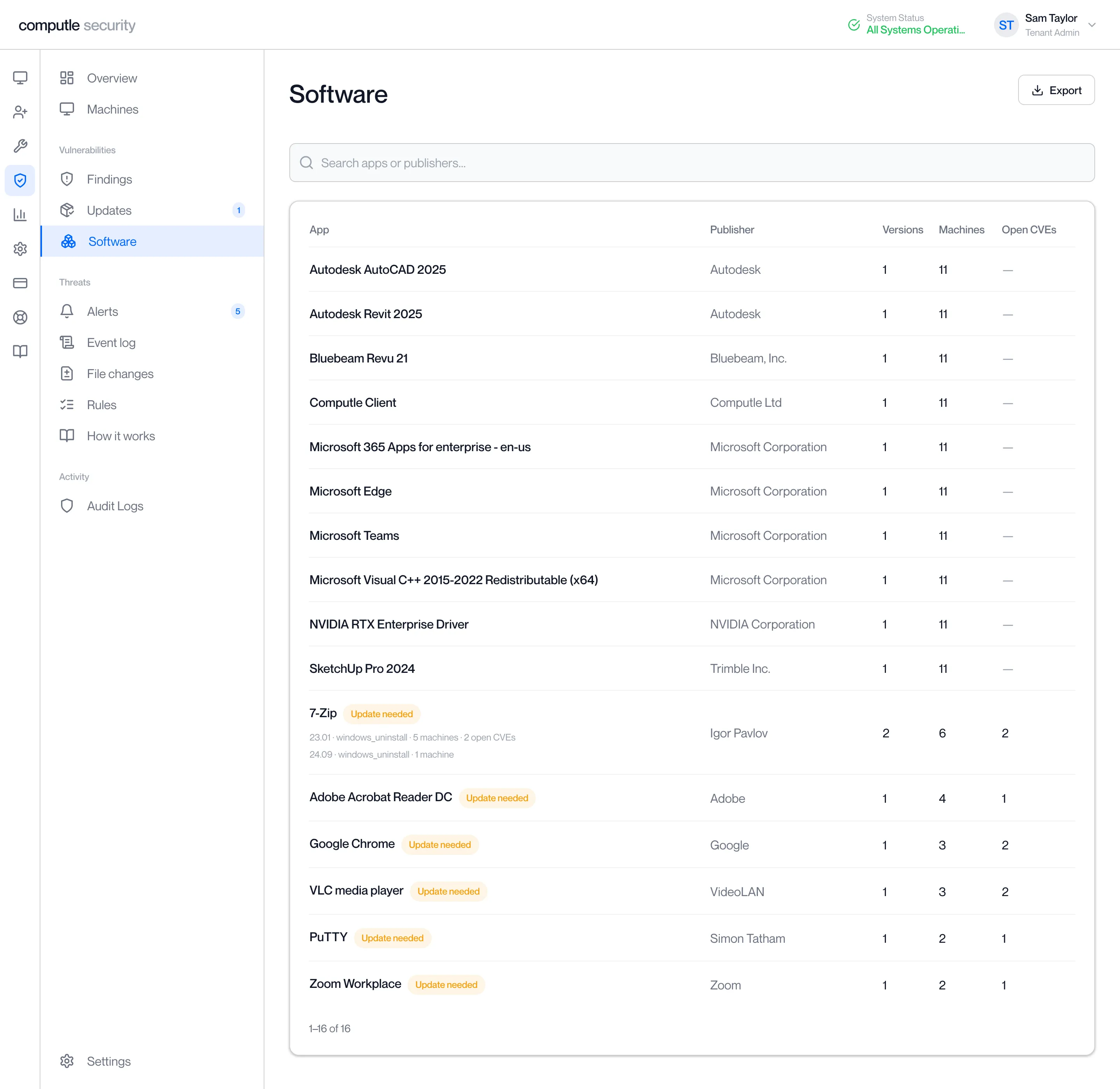
Software lists the apps reported across your organisation’s tracked workstations. It requires vulnerability tracking.
Inspect an app
Section titled “Inspect an app”-
Open Software in the Security menu.
Search by app or publisher. An Update needed badge marks software with an open vulnerability.
-
Select an app row to expand its versions.
Each version shows its inventory source, machine count and open CVE count where available. Select the row again to close it.
-
Select Export to download the filtered inventory.
To investigate required updates, open Updates. To inspect all installed software on one machine, open Machines and select its Software tab.