> For the complete documentation index, see [llms.txt](https://docs.computle.com/llms.txt). Markdown versions of documentation pages are available by appending `.md` to page URLs; this page is available as [Markdown](https://docs.computle.com/account-administration/viewing-your-invoices.md).
# Viewing Your Invoices
To set up a Direct Debit:
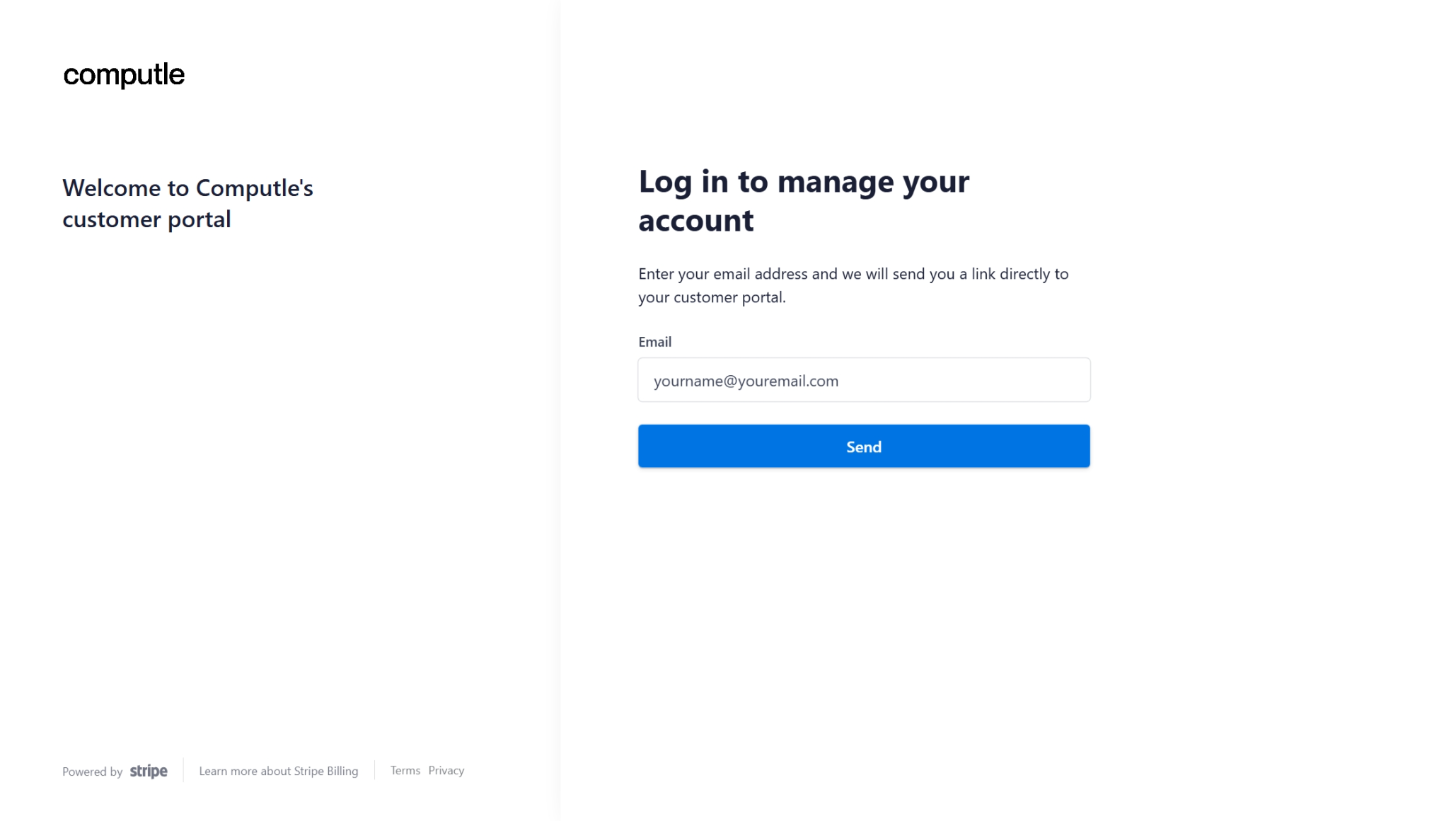
1. Navigate to the [Billing Portal](https://checkout.computle.com/p/login/6oEcOtdSkd4v2ha8ww).
2. Enter your email and click Send
{% hint style="warning" %}
Only the Billing Owner can log in to this page.
{% endhint %}
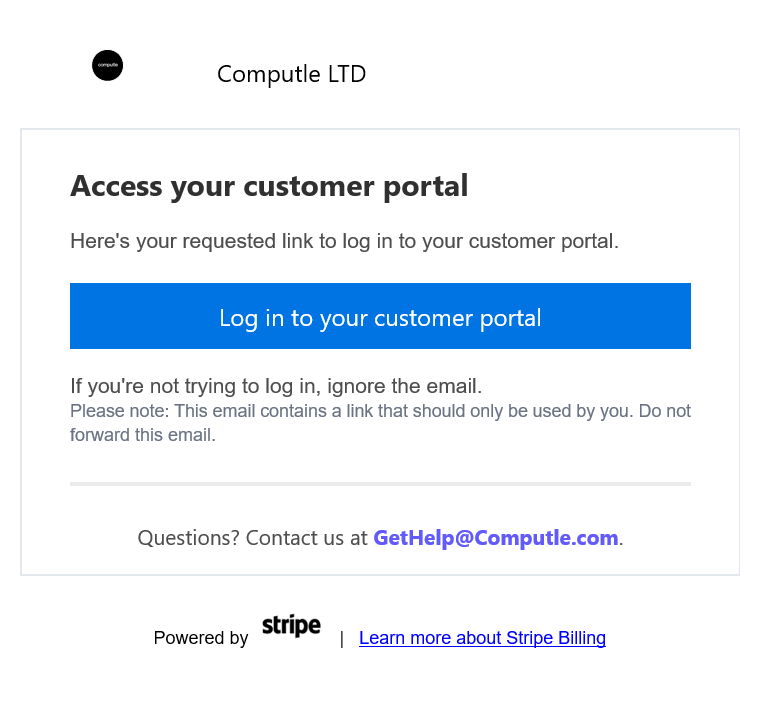
3. Open your emails.
4. Locate the email from Computle with the subject "*Your Customer Portal Login Link"*
5. Click *Log In To Your Customer Portal*
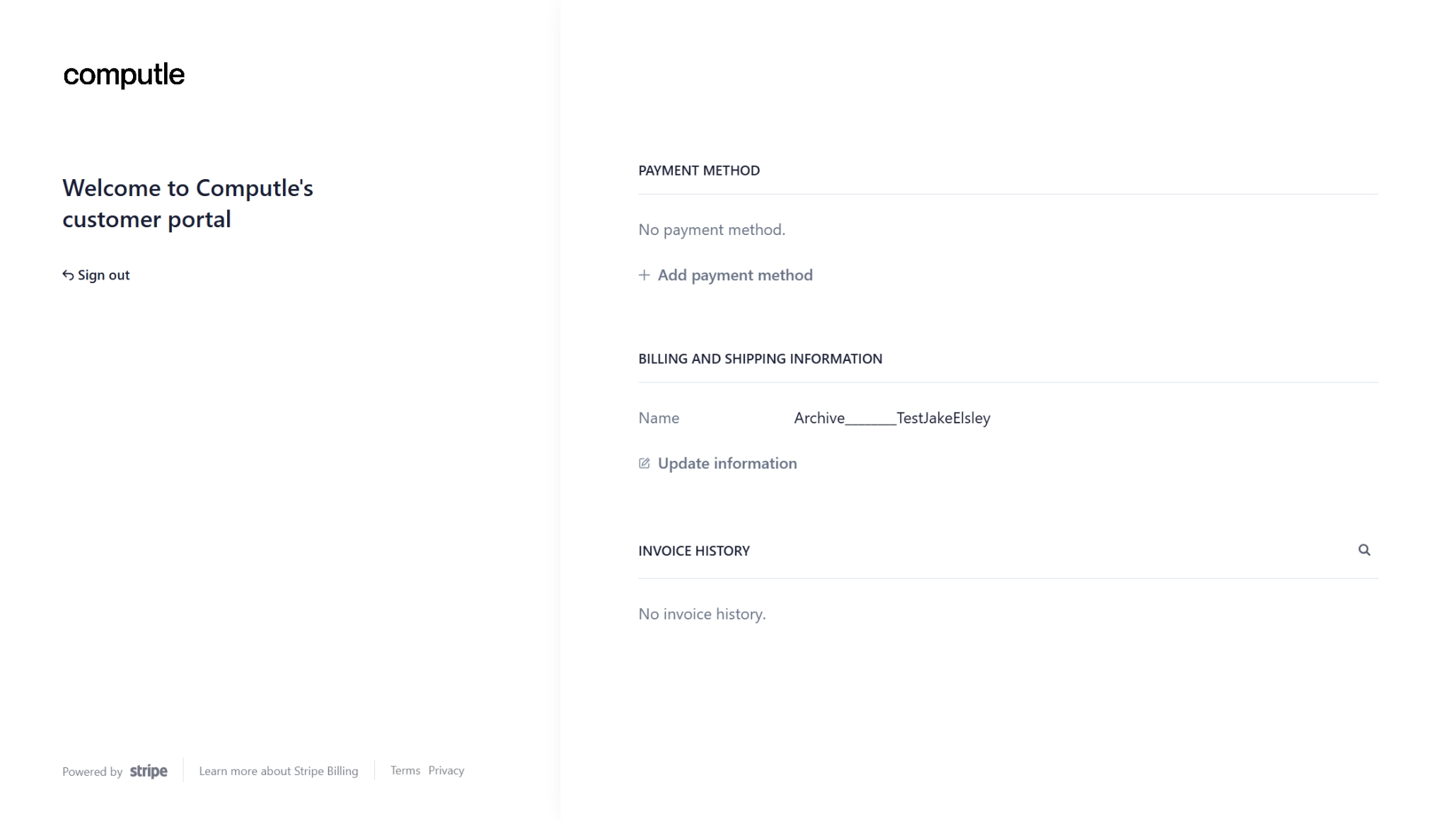
6. Navigate to Invoice History
.png?alt=media)